chris/concert-seating
publicClone
Push over the same URL. A password will not work: create a token under access tokens and use it in place of one.
Concert Seating — Challenge
This is a simple application that allows users to reserve seats for a concert. The application is built with Laravel and Nuxt 3.
Get Started
To get started, you'll need to have the following installed on your machine:
- Composer 2
- PHP 8
- nvm or Node 16 (v18 works as well)
I have also included some VSCode settings for a seamless linting experience.
Backend
Clone this repository and run the following commands below:
cd ./backend

composer install # installs Laravel dependencies
cp .env.example .env # copies .env.example file to run your own local setup
php artisan key:generate # generates your local encryption key

# By default the database is set to SQLite and the file is located under `/database/database.sqlite`.
touch database/database.sqlite # creates the SQLite database file

php artisan migrate:fresh # ensure to run all migrations

# You will need to open two terminals to serve both frontend & backend
# By default, the backend will be served at http://localhost:8000
php artisan serve
Frontend
The frontend uses and runs on Nuxt 3 with Composition API, Tailwind CSS, and Fetch. To get started, run the following commands below in a separate terminal.
cd ./frontend

nvm use 16 # Nuxt 3 should be run on Node v16
pnpm install # based on your preferences, you may also use `npm` or `yarn`

# You'll need to copy the ./frontend/env.example file to point the API URL
cp .env.example .env # after running `php artisan serve`

# By default, the frontend will be served at http://localhost:3000
pnpm dev
Show list of guests
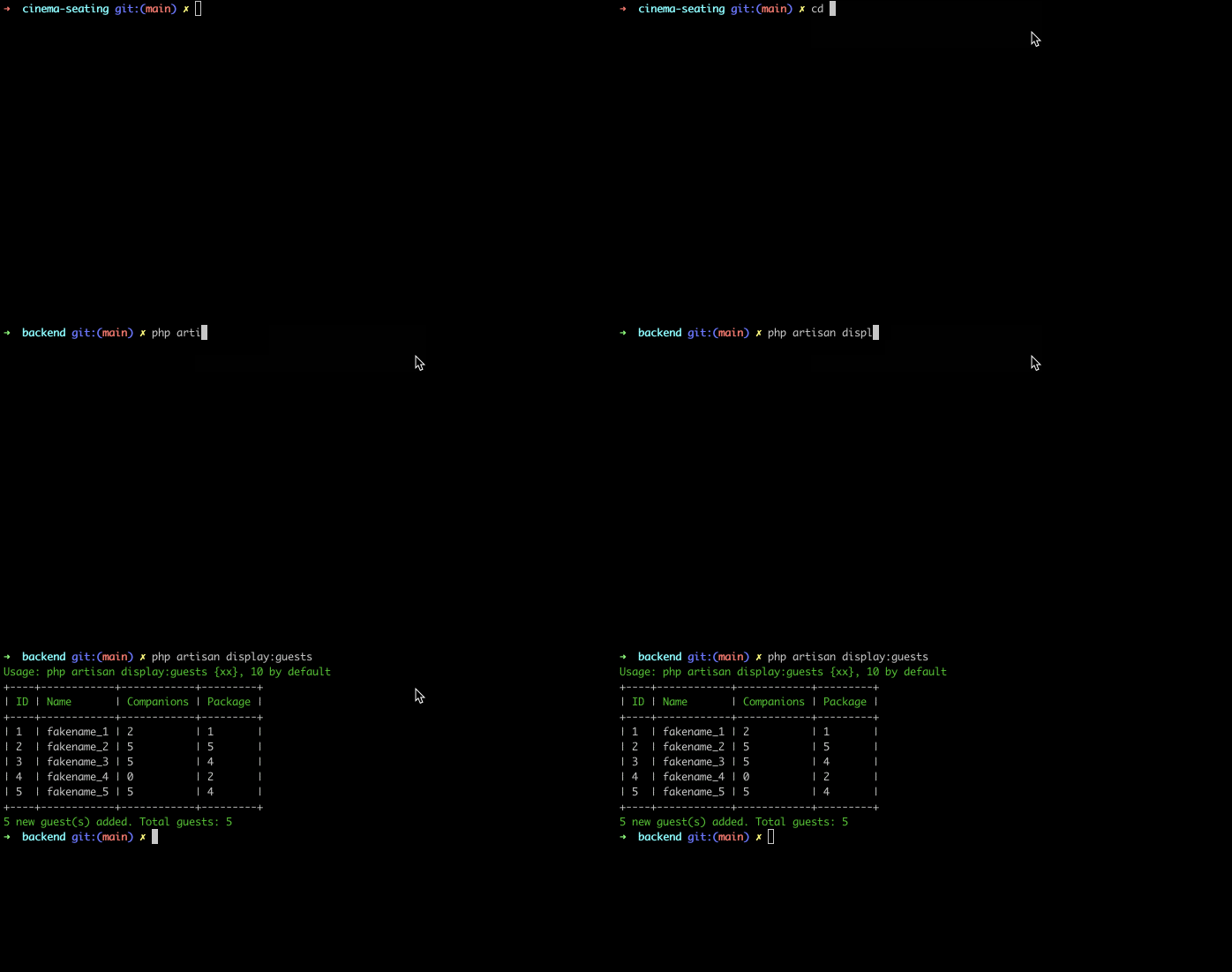
Included is a command to display the list of guests:
php artisan display:guestsIn action 🎬
UI / UX
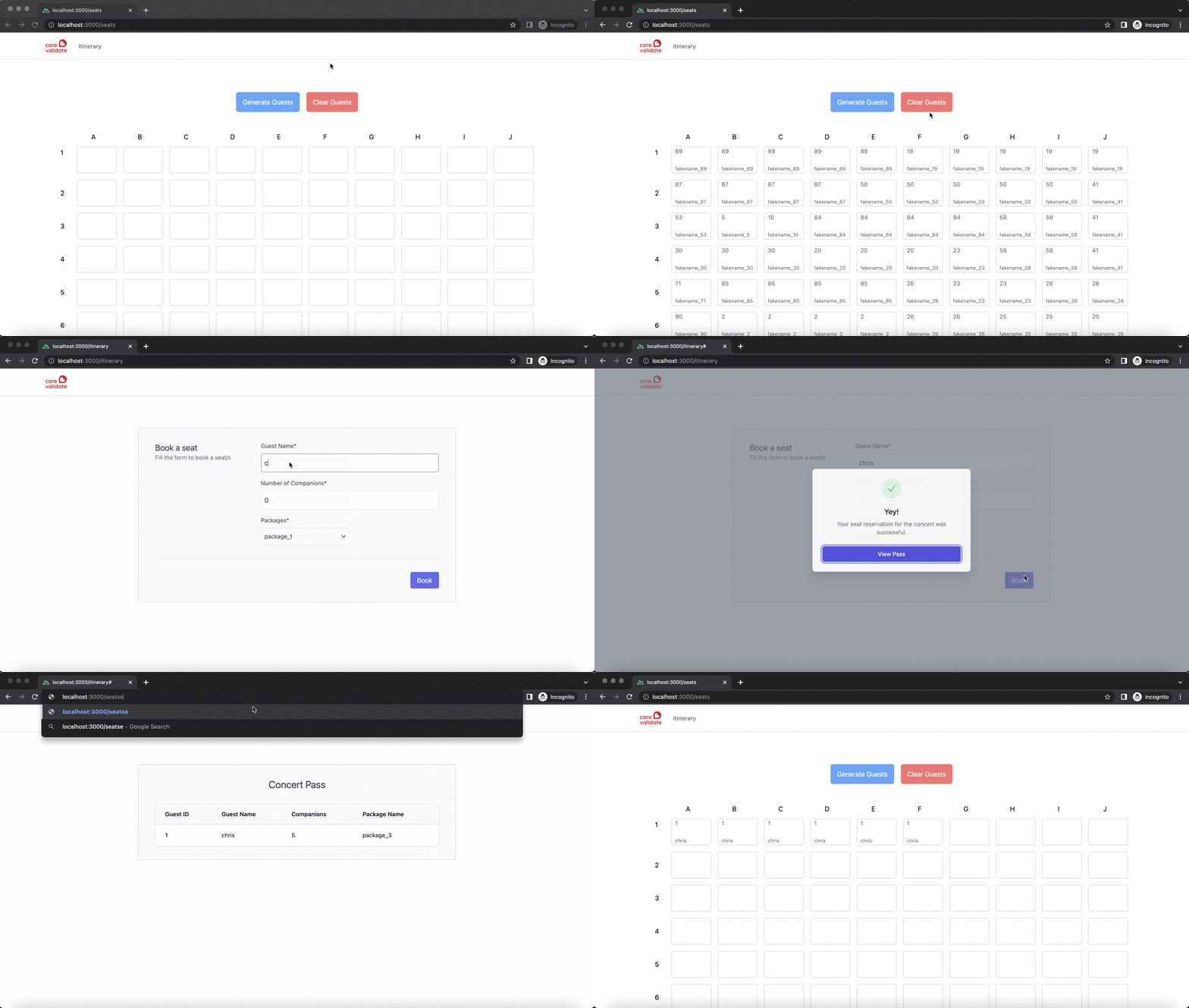
Visit http://localhost:3000 in your browser.
Note If you adjusted your backend's API URL, you need to apply the update in the frontend's .env. By default, your .env values will work seamless with one another, without config updates.
API_URL=http://localhost:8000/apiIn action 🎬
Testing
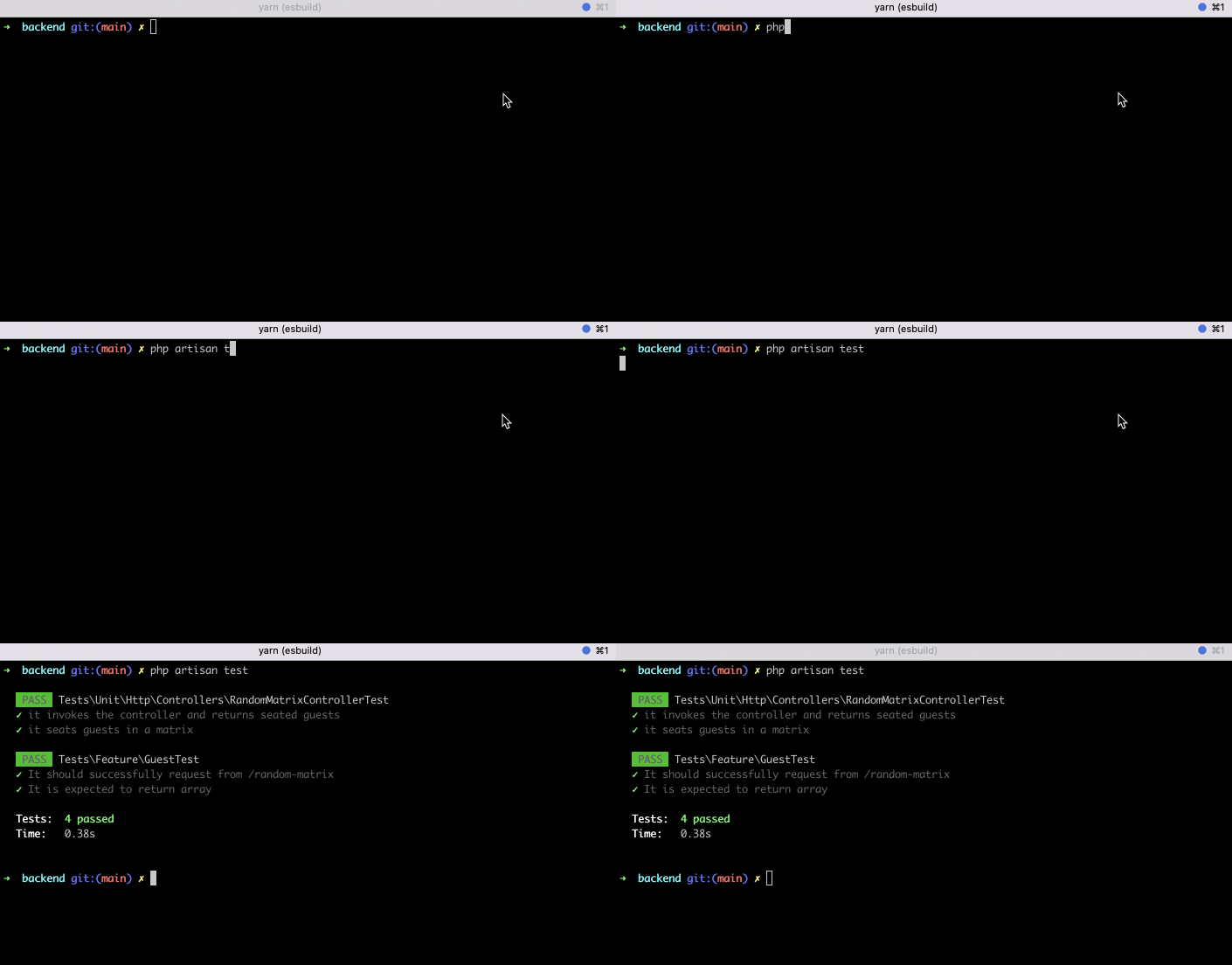
php artisan testIn action 🎬